

Virtual PDF Printer offers a simple and convenient way of creating PDF documents from various types of files. As its name says, it installs as a virtual printer on your system and allows you to convert any printable file to PDF, just by using the Print function from the menu of any application used to open those files. It can convert a lot of file types, including MS Word documents, text files, Excel spreadsheets, PowerPoint presentations, Photoshop pictures, image files, and any other printable file.
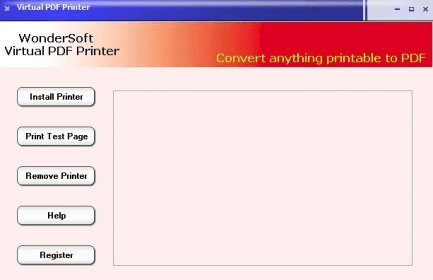
As you can see, using Virtual PDF Printer is very easy. It makes converting to PDF a simple action that anyone can perform without being required to have any specific knowledge or to waste precious time.
Though easy-to-use, Virtual PDF Printer is also packed with additional settings and features. For example, it allows adding PDF encryption with password protection to output files, tweaking and controlling access permissions, or changing the font options.
To sum it all up, Virtual PDF Printer is a really handy and convenient tool for converting various types of files to PDF documents.






Comments (3)
If you use this program, you do not need system restore or other similar program.
It is very accurate. Worth the money!
Enjoy!
Sorry, this is not the standard I am used to from Software Informer. Fix it.